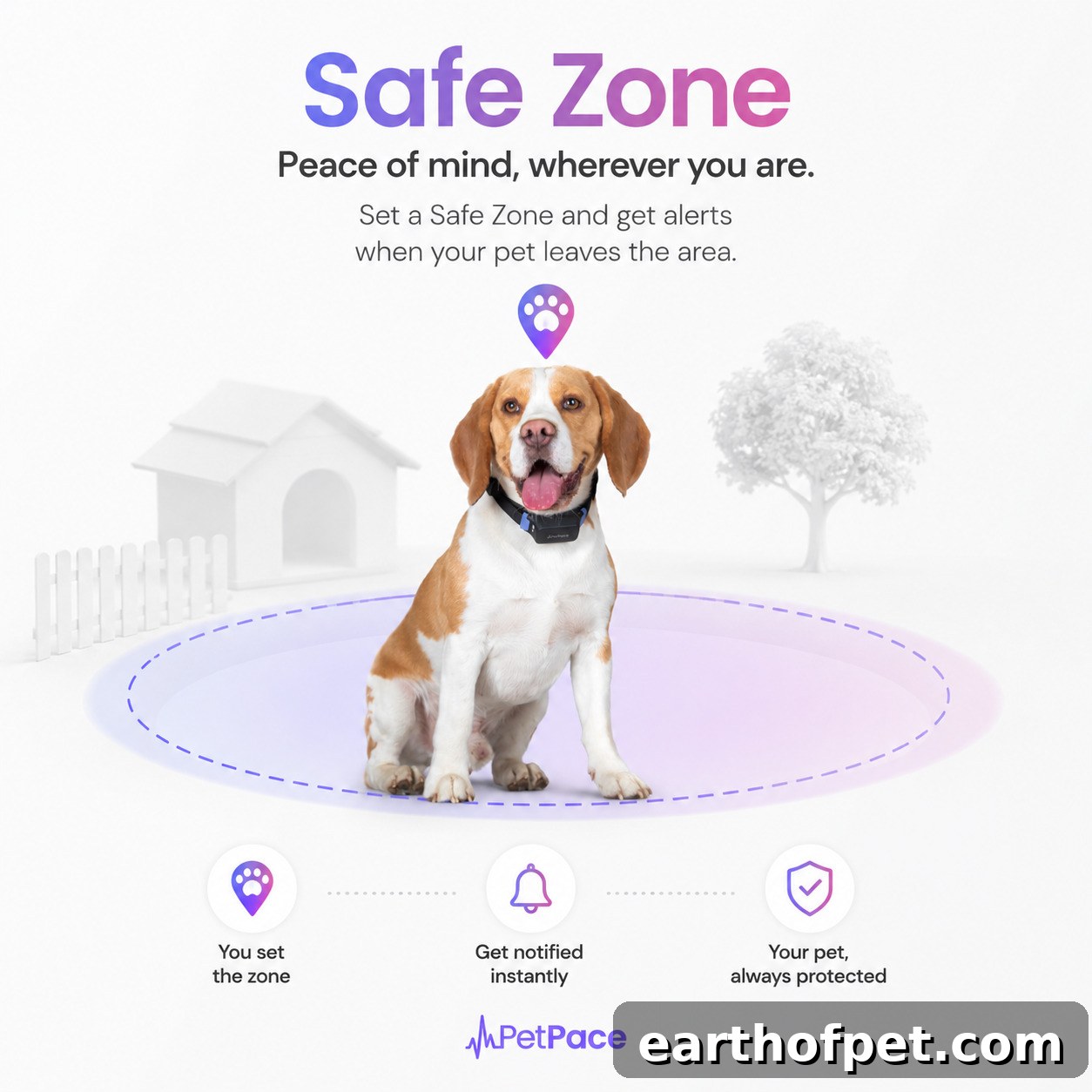
Every pet owner knows that heart-stopping moment — you glance up and your dog has vanished from the yard, or your cat slips out a door. What happens in the following minutes can make all the difference between a quick reunion and a frantic search.
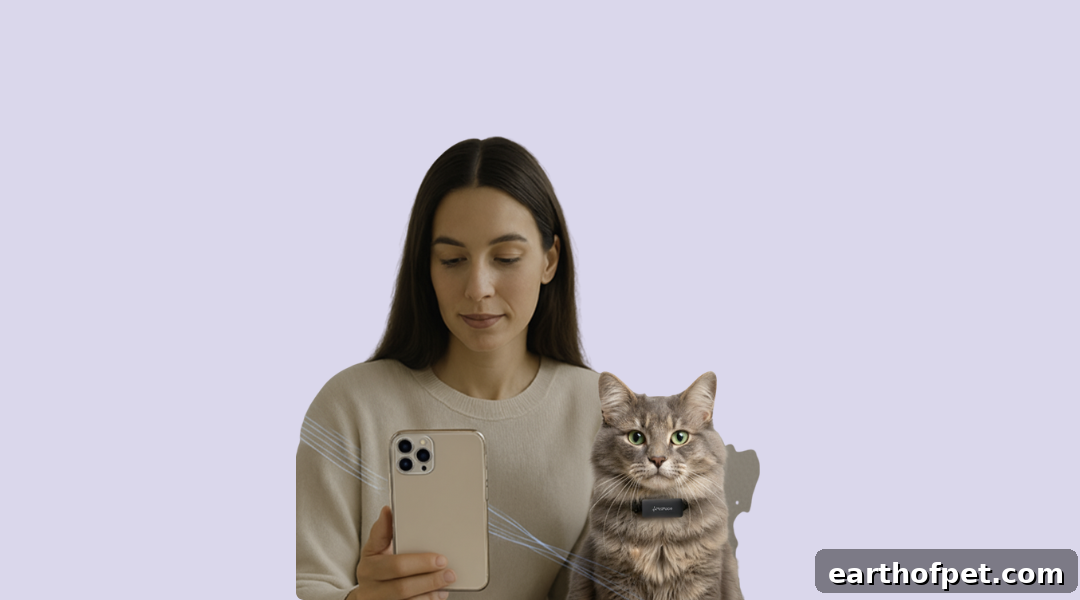
That’s why PetPace introduced Safe Zone, a geofencing feature built to give you immediate awareness the moment your pet leaves the area you’ve defined and to automatically switch your collar into active tracking so you can locate them fast.
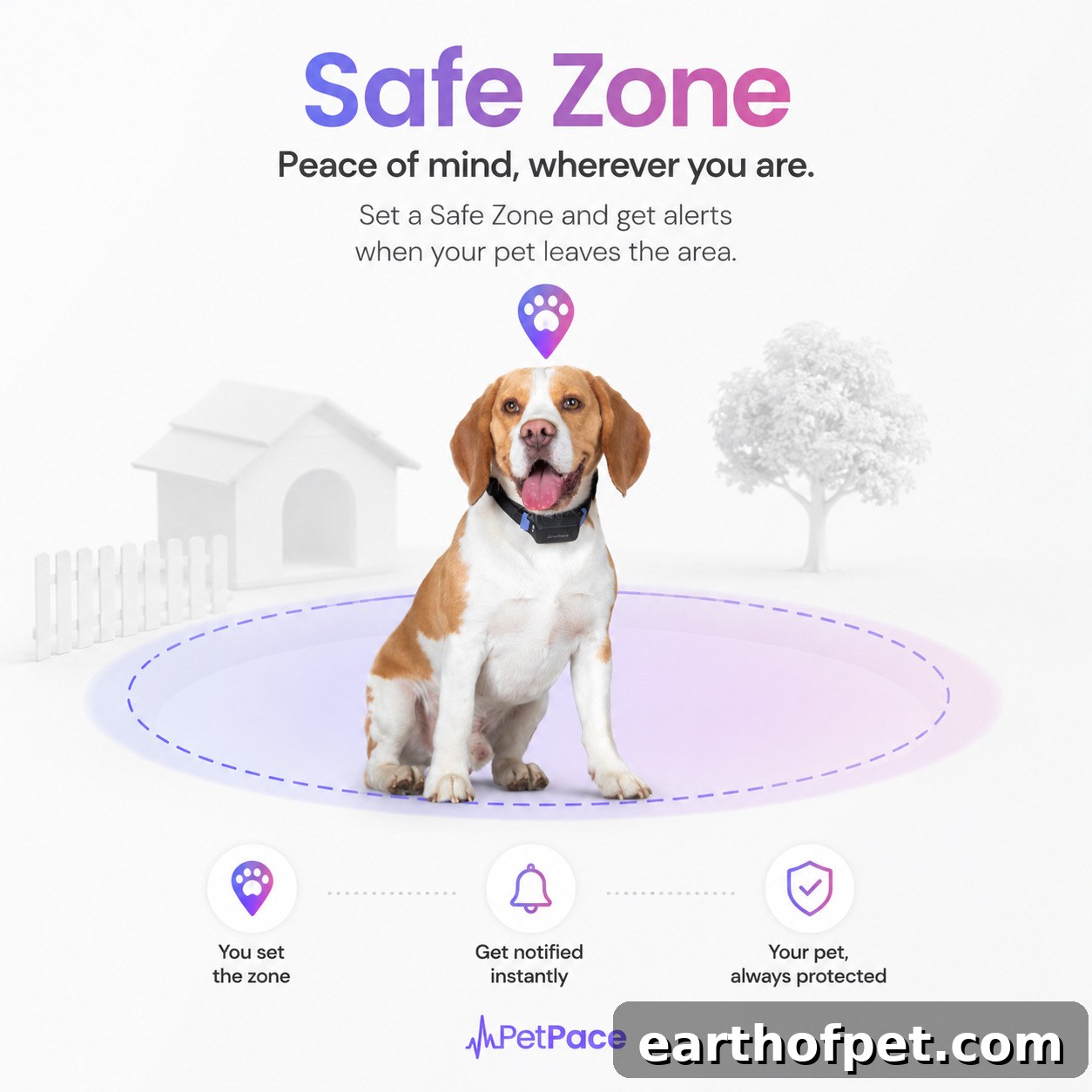
What is Safe Zone?
Safe Zone lets you draw a virtual boundary — a yard, a block, or any safe area you choose — directly inside the PetPace app. Once enabled, your collar monitors your pet’s position quietly in the background so you don’t need to keep checking your phone. As long as your pet stays inside the defined area, everything runs as normal. If they step outside the boundary, Safe Zone immediately alerts you and takes action to help you find them.
What Happens When Your Pet Leaves the Zone
If your pet crosses the Safe Zone boundary, two things happen right away:
- Immediate notification. You receive an instant alert from the PetPace app so you know the moment your pet wanders off. This gives you the crucial early awareness to act quickly.
- Automatic search mode. The collar switches to Find My Pet mode and focuses on real-time location tracking. To prioritize locating your pet, the collar temporarily pauses routine health data collection while actively reporting location information.
When your pet returns inside the Safe Zone, the collar seamlessly switches back to normal operation and resumes health monitoring where it left off — no manual resetting required. This automatic cycle keeps the experience simple and dependable during a stressful moment.
Smart Enough to Think About Battery, Too
Safe Zone is designed to protect your pet while also conserving collar battery life. If your pet leaves the Safe Zone and the collar battery is below 20%, you will still receive an immediate notification, but Find My Pet mode will not activate automatically. Continuous, high-frequency location tracking draws more power, so at low battery levels the system avoids depleting the device when you still need it to work.
If you prefer to prioritize finding your pet over preserving battery, you can manually enable Find My Pet mode through the app at any time. This gives you the final control while keeping sensible defaults in place to maximize the collar’s uptime.
How to Turn On Safe Zone
Getting started is simple: open the PetPace app, go to Settings, then Beta Programs (if applicable), and enable Safe Zone for your pet. From there you can define the safe boundary on the map, customize notification preferences, and choose how the collar behaves when your pet exits the area.
Once configured, Safe Zone runs quietly in the background — monitoring location, sending alerts, and switching modes automatically when needed — so you can go about your day with the reassurance that you’ll be notified immediately if your pet wanders off.
Safe Zone is one more way PetPace helps keep pets safer and gives owners greater peace of mind through intelligent geofencing, instant alerts, and automatic tracking behavior designed around real-world needs.